
XSPOTTER / INTELLIGENT OPERATIONS
Carry inspection findings
into the next action.
Organize field work around equipment, locations and tasks. Capture and identify information, review the result, then move the issue into the business process.
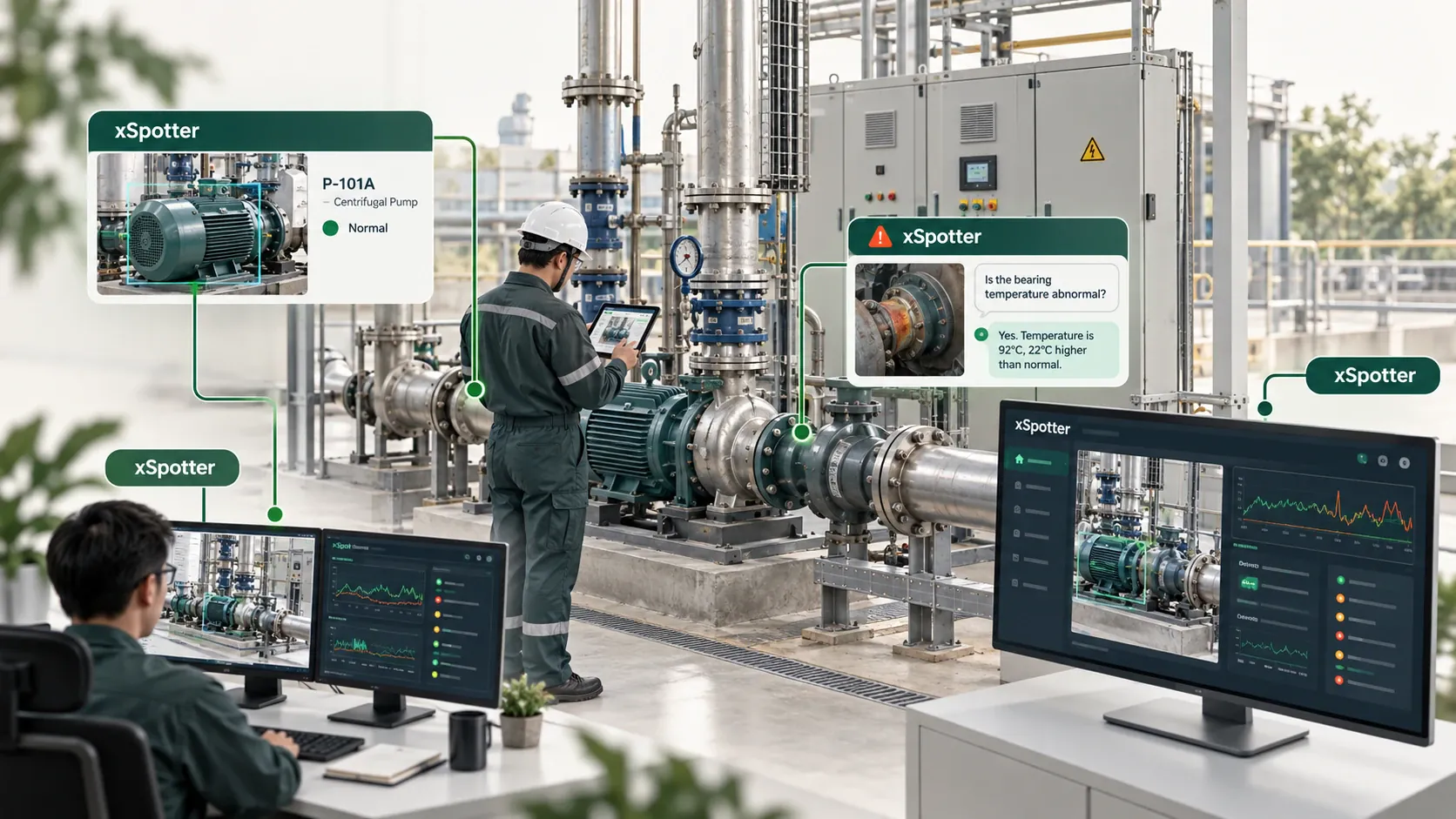
HOW IT WORKS
From input to a usable result.
CAPABILITIES
Functions organized around daily work.
Tasks and locations
Plan work around equipment and inspection requirements, with owners and capture items defined.
Equipment and image recognition
Assess meter, nameplate and visual-state recognition by equipment type and field samples.
Procedures and knowledge
Organize procedures, manuals and history for retrieval; keep versions and scope current.
Business-system connection
Connect equipment registers, inspection results and work orders through available interfaces, with field mapping and ownership confirmed.
USE & IMPLEMENTATION
What should be clear before you start?
Which equipment and defects can it recognize?
Evaluate by equipment type, image quality and sample conditions. Confirm meters, nameplates and visual states separately; a result from one scene is not a promise for every equipment type.
Can it connect to an existing EAM, MES or PMS?
We can discuss integration through available interfaces. Confirm interface access and field definitions; together we verify mapping, sync exceptions and write-back rules.
Can a recognition result directly trigger equipment operation?
No. Recognition supports judgment. Final decisions on defect severity, outages, maintenance and equipment operation must be confirmed by qualified personnel under the applicable procedures.
NEXT STEP
Use one concrete job to see whether it fits.
Tell us how the work is done today and which step you want to improve. We will shape the demo around your field conditions.